
What Pulse Engine Is
Pulse Engine is a decision engine for real estate: a structured flow that turns an address, a list, or a strategy into (1) verified facts, (2) surfaced constraints, and (3) actionable next steps.
Traditional tools answer:
"What is it?"
Pulse Engine answers:
"Should I spend time here—and what would break the deal?"
Who Pulse Engine Is Built For
Pulse Engine is designed for roles that must make decisions under uncertainty:
Buyers
Avoid hidden compliance and renovation traps
Agents
Produce defensible pre-offer diligence narrative
Investors
Quantify renovation, legalization, and timeline risk
Developers
Validate zoning + buildable upside + gating constraints
Attorneys
Get organized risk checklist before contract
Architects
Fast feasibility triage before design time
The 4 Core Capabilities
Each capability replaces a fragmented workflow with a single, integrated layer.
Search
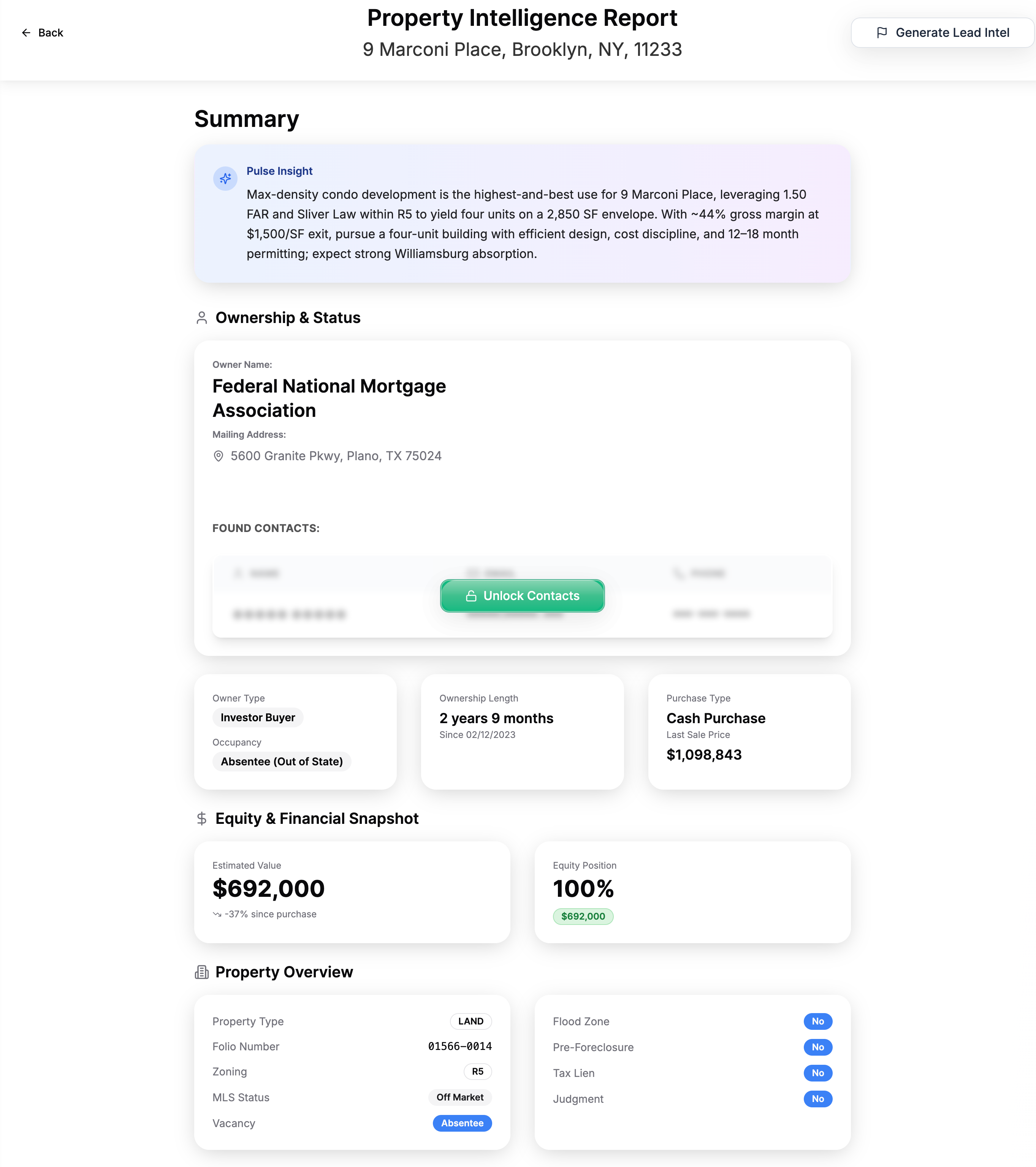
What it does:
Start with an address, neighborhood, zip, or market scan and pull the property context into a single working canvas.
What it replaces:
Fragmented lookup behavior (multiple tabs, inconsistent identifiers, copy/paste errors)
When it matters most:
- 'Sight unseen' listings
- Fast-moving deal flow
- First-pass screening of inbound deals
Pulse Filters
Strategy encoded as logic
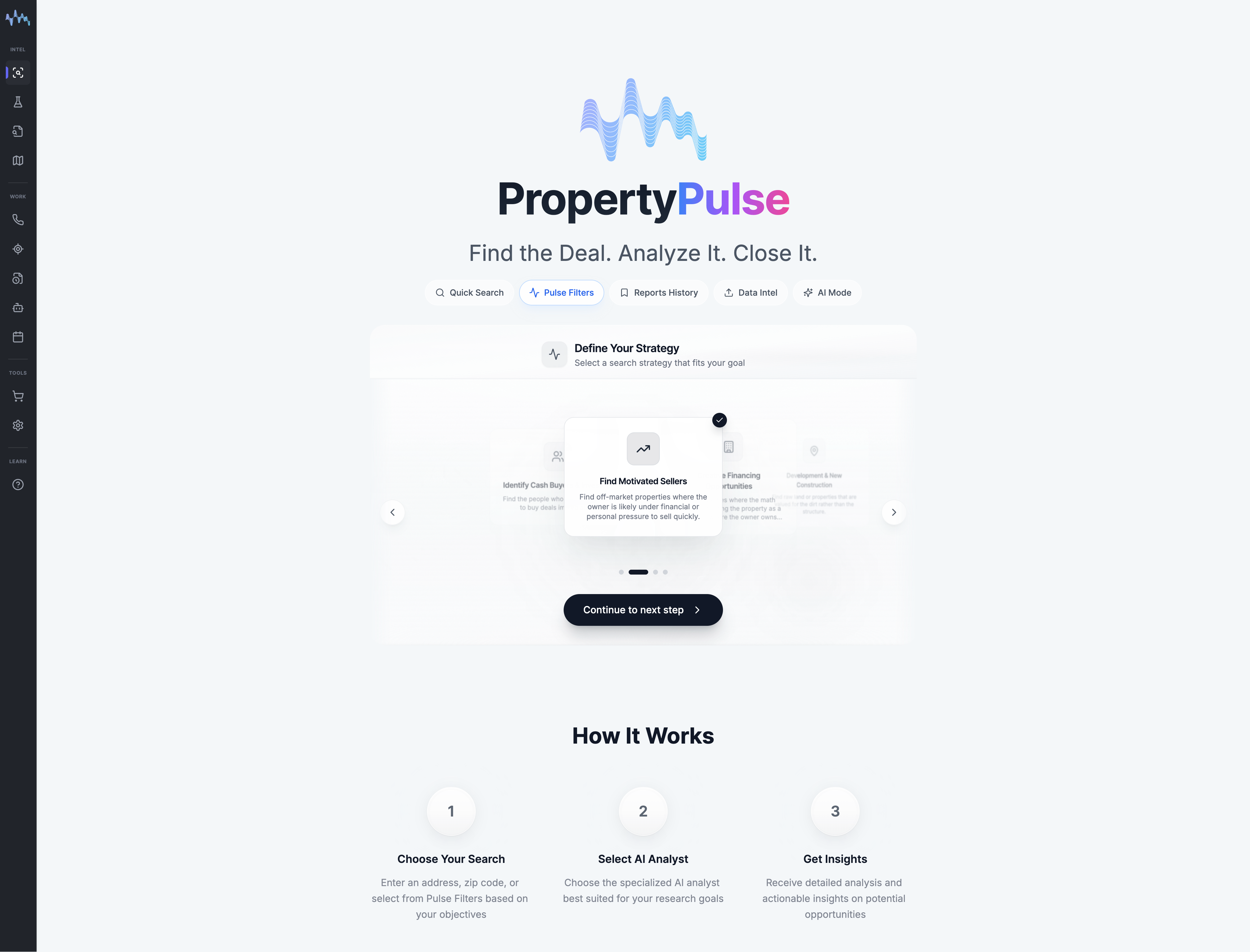
What it does:
Pulse Filters let users select a strategy (not just criteria) and screen for properties that match it.
What it replaces:
Normal filters that sort inventory. Pulse Filters prioritize decisions.
Strategy filter examples:
Data Intel
Verified property facts, fast
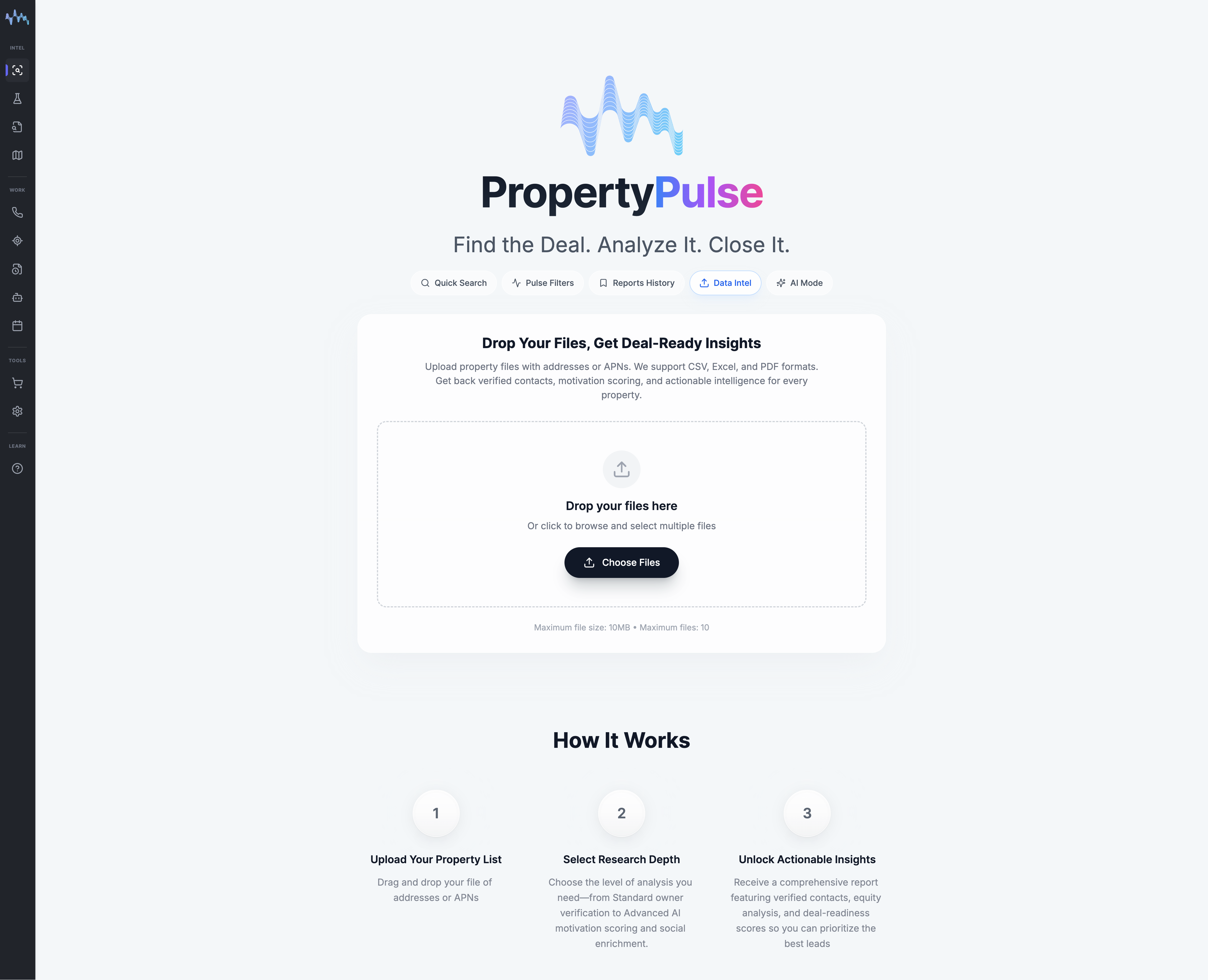
What it does:
Data Intel pulls the 'core underwriting spine' into one place: property identifiers, baseline physical facts, ownership context, transaction facts, and other deal-relevant fields.
What it replaces:
The manual 'search stack' people do before they feel safe making an offer
NYC reference systems:
- HPD for housing/building information
- DOB for permits/violations/inspections
- NYC Planning (ZOLA) for zoning context
AI Mode
Synthesis, not browsing
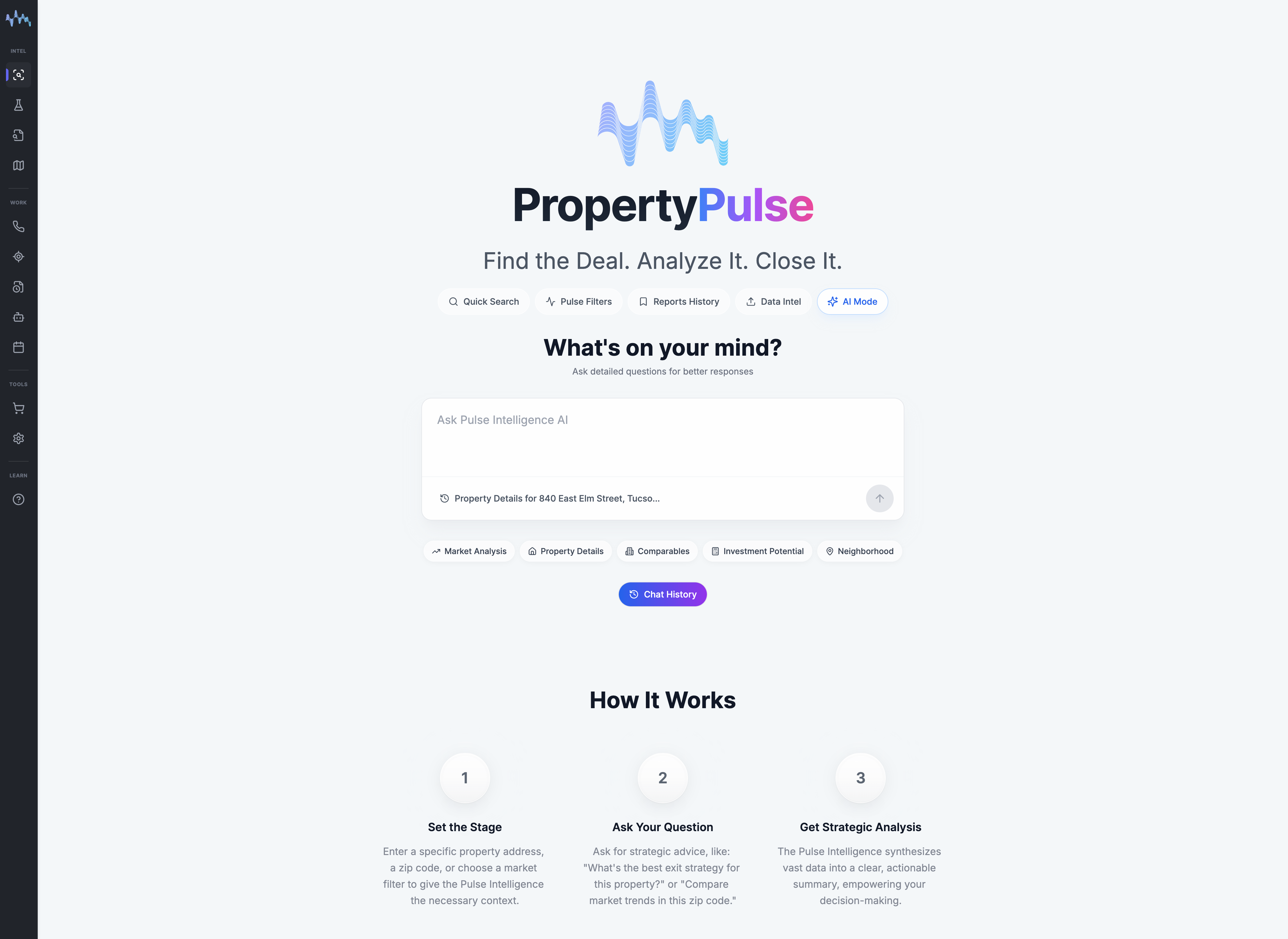
What it does:
AI Mode sits on top of Search + Filters + Data Intel and produces structured analysis of what matters most, what constraints gate feasibility, what to verify next, and how to frame negotiation leverage.
What it replaces:
Random browsing and manual synthesis. AI Mode is a decision layer: Summarize → Rank → Recommend.
AI Mode produces:
- What matters most in this property's risk stack
- What constraints gate feasibility
- What to verify next (and why)
- How to frame negotiation leverage
How to Use Pulse Engine
The practical workflow from entry point to decision memo.
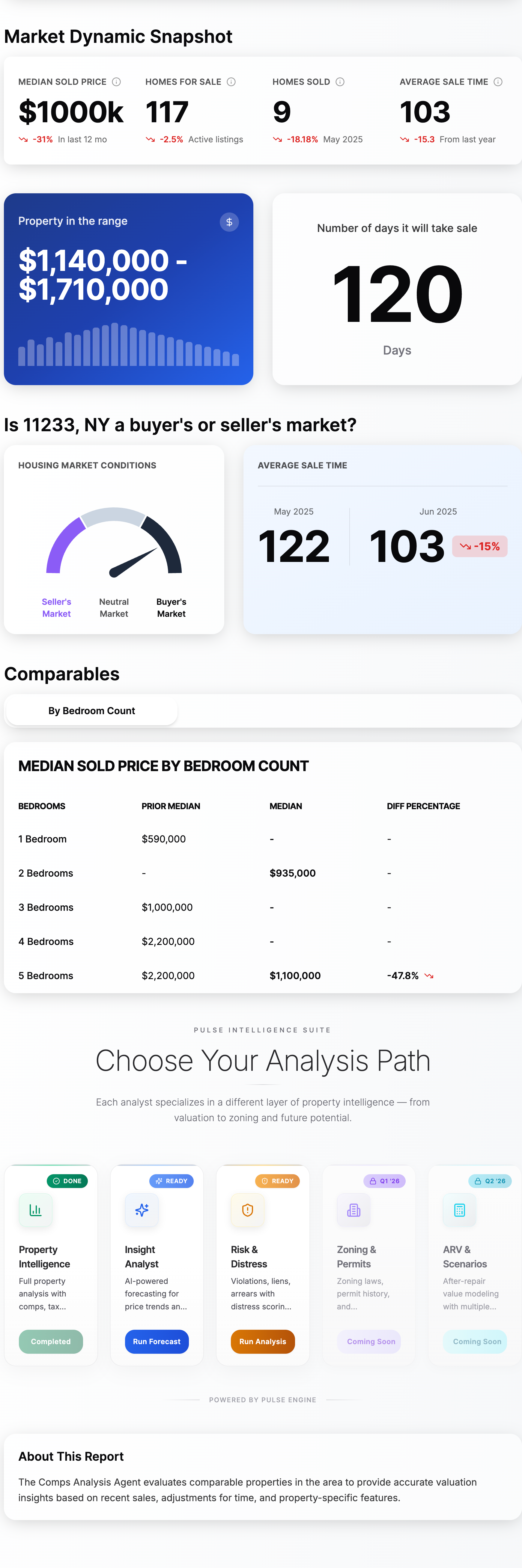
Start with your entry point
Pulse Engine supports three common starting points:
- One address (pre-offer diligence, sight unseen, client request)
- A market scan (find opportunities by strategy)
- A list upload (bulk screening + prioritization)
Choose your research depth
A correct first pass should answer:
- What is the property really (verified identity)?
- What are the obvious constraints?
- Is there upside, and is it gated?
- What is the next decision (bid, pause, escalate)?
Use Pulse Filters to express intent
Instead of asking 'What's available?' you're asking 'What matches my strategy?'
- Avoid historic districts unless that's the thesis
- Prioritize transit proximity for exit velocity
- Screen for 'unused capacity' when development upside is the thesis
Pull Data Intel to eliminate assumptions
This is where deals get cleaner. Listing language is marketing; Data Intel is your baseline truth model.
Use AI Mode to turn facts into a decision memo
A high-quality output reads like an internal underwriting note:
- Signal: what stands out (upside, mispricing potential)
- Constraints: what blocks or delays execution
- Risk stack: violations, permits, legal/process gates
- Action: what to do next and how to price the risk
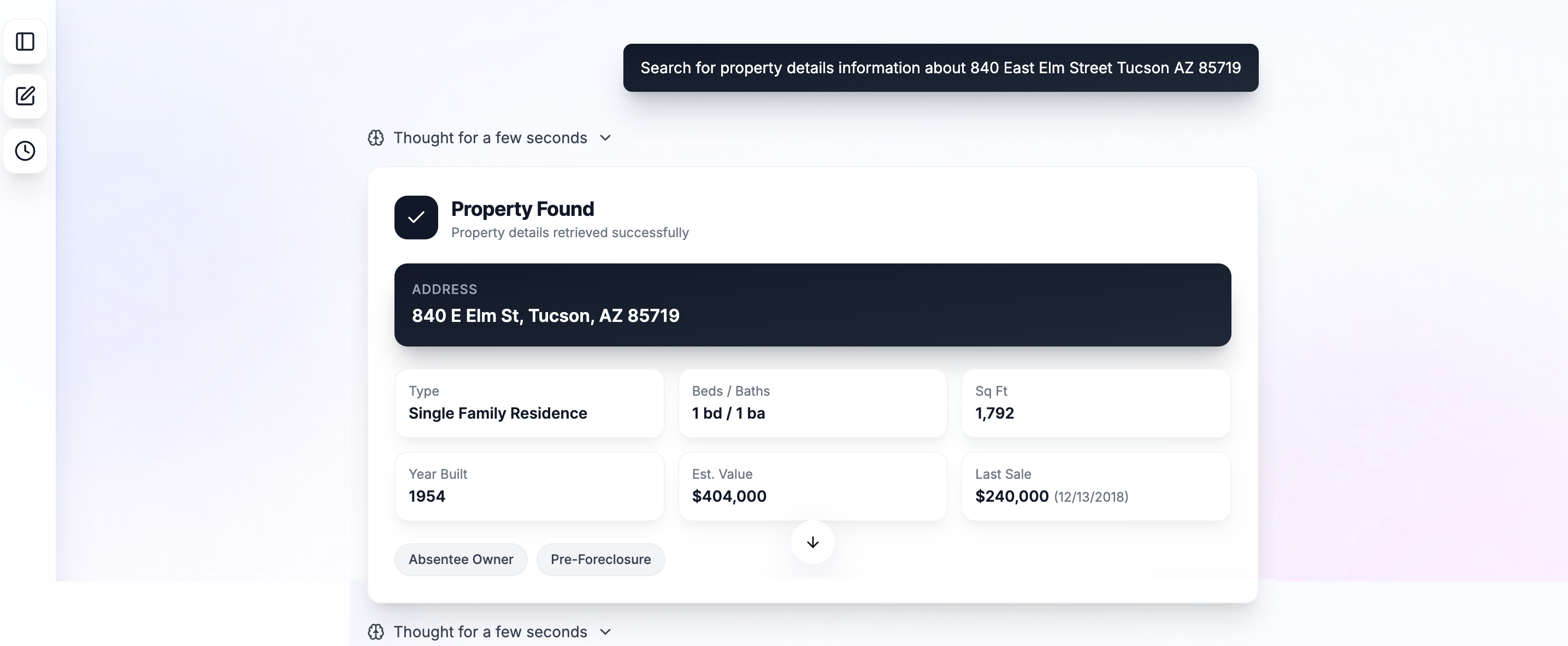
AI Mode synthesizes property data into actionable cards with key signals like "Absentee Owner" and "Pre-Foreclosure" surfaced automatically.
The Institutional Lens
Pulse Engine is built to compress four timelines that normally drift apart:
Finding candidates
Confirming the asset and constraints
Seeing what breaks deals
Bid/terms/escalate
This is the difference between "we liked it" and "we understood it."
Data Sources and Why They Matter
PropertyPulse's NYC-oriented diligence concepts align to public reference systems used by the market:
For users, the important point is not "which database." The point is: the product surfaces constraints early enough to change pricing and terms.
Where Pulse Engine Fits in PropertyPulse
Pulse Engine is the core entry. Everything else is downstream:
Mental Model
Pulse Engine = Find + Understand.
Spatial Intelligence = Validate + Visualize.
Pulse Lab = Repeat + Scale.
Marketplace = Act with context.
Frequently Asked Questions
Is Pulse Engine just another property search tool?
No. Search is the entry point. Pulse Engine converts a property into a risk-aware decision view by combining search, strategy filters, verified data, and AI synthesis.
Can I use Pulse Engine if I'm not a developer or investor?
Yes. Buyers and agents use it to reduce pre-offer uncertainty, especially on listings that emphasize 'potential' or where access is limited.
How does Pulse Engine handle zoning and historic constraints?
It frames zoning as potential and historic review as a gate—which is how underwriting should treat it. NYC Planning ZOLA and LPC permit structures are common reference points for the market baseline.
Where do violations and permits come from?
In NYC-oriented workflows, violations/permits are typically verified against HPD and DOB reference systems used by the market.
Ready to try Pulse Engine?
Turn any address into a risk-aware decision view in under 2 minutes.
Analyze Your First Property